Main Article (Freeflow Content)
Understanding Your Digital Clutter
Before diving into the specifics of decluttering, it's crucial to understand what digital clutter is and how it affects your productivity. Digital clutter includes anything on your digital devices or online that is disorganized, unnecessary, or distracting. This can range from redundant files and unused apps to overwhelming email inboxes and poorly managed digital calendars.
Why Does This Matter?
Clutter can lead to decreased focus and productivity by making it harder to find necessary information quickly. It also contributes to cognitive overload, which can decrease your efficiency and increase stress levels.
Step-by-Step Guide to Decluttering Your Digital Spaces
1. Tackling Your Email Inbox
Introduction:
An overflowing inbox can be a major source of stress. Here’s how to get it under control:
- Unsubscribe from Unnecessary Emails: Start by unsubscribing from newsletters or updates you no longer read.
- Create Email Folders: Organize emails into folders or categories based on their purpose or urgency.
- Set Aside Time for Email Management: Dedicate specific times for checking and organizing your emails to avoid constant distractions throughout the day.
Further Insights:
Remember, the goal isn't to achieve 'Inbox Zero' obsessively but to manage your emails in a way that suits your workflow and reduces stress.
2. Organizing Digital Files
Introduction:
Disorganized files can be just as problematic as email clutter. Here’s how to sort them out:
- Create a Logical Directory Structure: Establish a clear folder hierarchy on your computer or cloud storage.
- Regularly Review and Purge: Set a recurring appointment in your calendar to review files and folders, deleting or archiving what is no longer needed.
- Utilize Naming Conventions: Develop a consistent method for naming files and folders to make them easily searchable.
Follow-up:
This process might initially take a few hours, but the time you save in the future will far outweigh this initial investment.
3. Streamlining Online Tools and Apps
Introduction:
Many of us download apps or sign up for tools that we rarely use, which can lead to digital clutter.
- Audit Your Apps and Tools: Evaluate each tool’s utility and delete those that are redundant or seldom used.
- Consolidate Tools When Possible: If several tools have overlapping functions, consider which one best meets your needs and eliminate the others.
- Update and Organize Bookmarks: Keep your frequently accessed websites and tools easily accessible by organizing bookmarks in your web browser.
Additional Insights:
Simplifying your toolset not only clears digital clutter but also minimizes decision fatigue, letting you focus more on productive tasks.
Real-World Scenarios and Common Mistakes
Scenario:
Imagine you're working on a project with tight deadlines. You spend valuable time searching through disorganized digital documents, leading to frustration and reduced focus. By having a structured digital filing system, this scenario could be avoided, allowing for smoother and more efficient workflow.
Common Mistake:
One of the biggest mistakes is not maintaining the digital organizing system you've set up. Regular maintenance is key to avoiding the buildup of digital clutter.
Time & Resources
The time required to declutter your digital life can vary based on the current state of your digital files, your familiarity with digital tools, and the complexity of your needs. Initially, setting aside a weekend to establish a robust system is ideal, followed by 30 minutes weekly for upkeep. Factors influencing this include the types of devices and platforms you use, the volume of data you handle, and your personal or professional demands.
Brand CTA
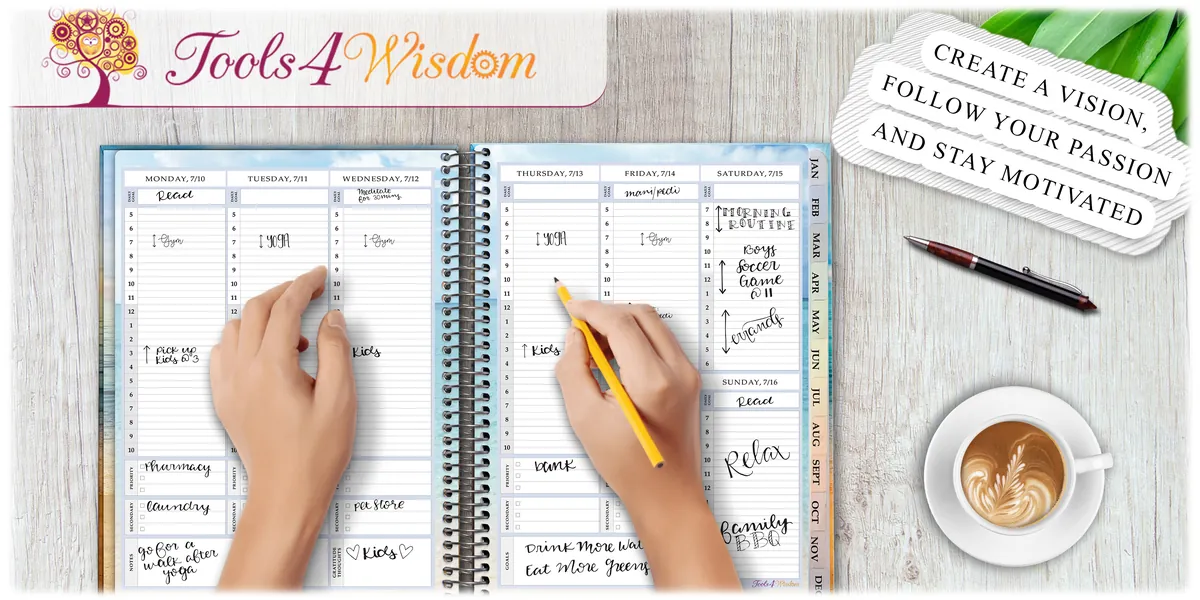
As you take steps toward organizing your digital life, consider integrating Tools4Wisdom into your planning routine. Our planners are specifically designed with women in mind, helping you to seamlessly integrate and manage your digital decluttering efforts alongside other aspects of your life. Visit us to find a planner that resonates with your style and needs, making your journey to digital minimalism both enjoyable and effective.